
Coaching corner
Coaches
Resources
Start here
Coaches are responsible for knowing our by-laws and the Little League rules for the division they coach.
Rules & by-laws
Our mission, governance and division rules, plus Little League’s official rules.
Background check
Register as a volunteer to start your background check. This is strictly enforced.
Required training
Managers and coaches complete both courses, then send the certificates to the league.
Player paperwork
Make sure every player has a medical release form and every family has completed the code of conduct.
Coaching tools
A sample practice plan and a lineup template for tracking pitching and playing time.
Coaches clinics
Sessions to help volunteer coaches develop York’s young athletes.
GameChanger
Scoring and schedules
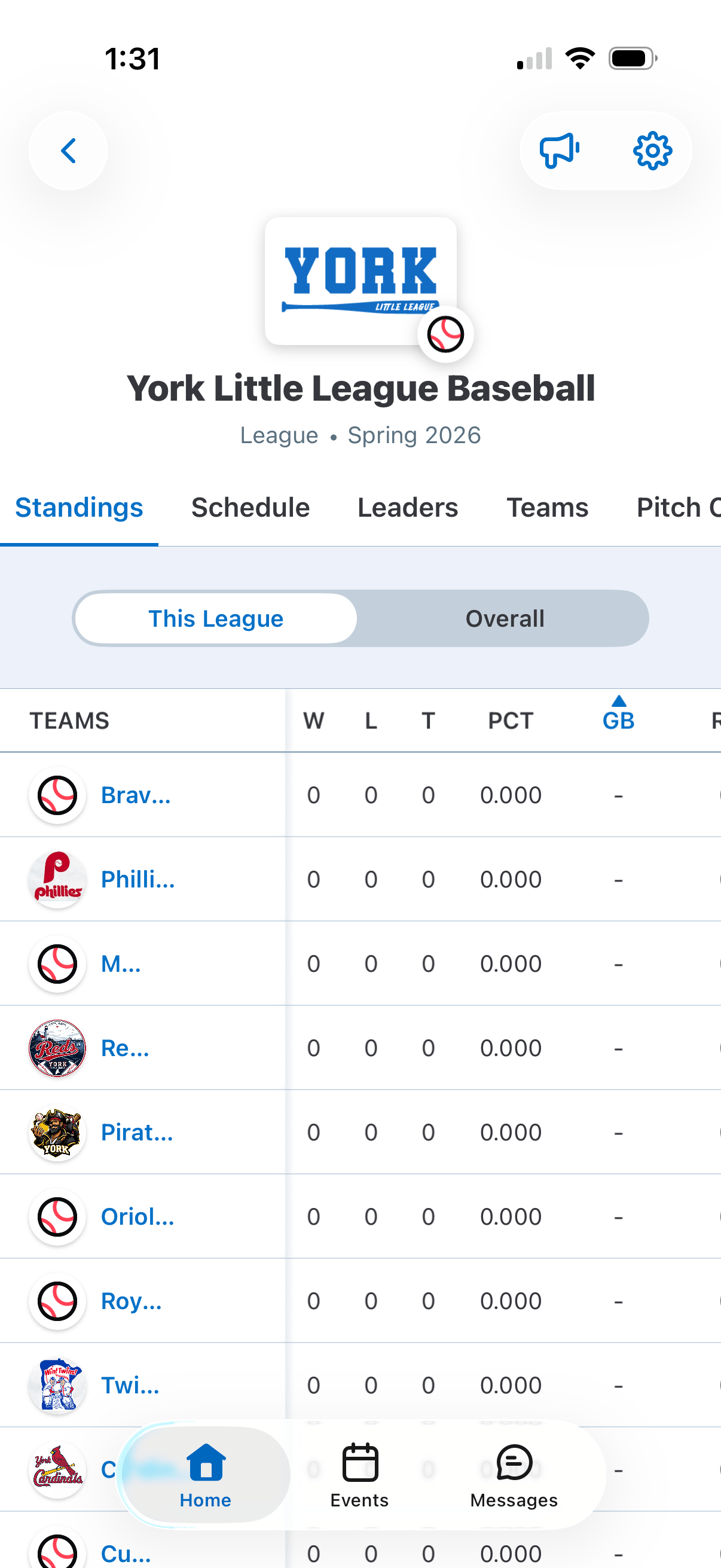
GameChanger tracks pitch counts and stats, and it’s how you’ll communicate with your team. Log in with the same email you use for Sports Connect.
Scoring
Scoring takes practice, so ask a dedicated parent (or two) to score every game. Both benches should keep score so you can check each other at the end of each inning.
Schedules
League games and practices push to your team in GameChanger automatically, and parents can sync them to their calendars.
Fixing a deleted or edited league event
- Open your team in GameChanger.
- Tap the gear in the upper right corner.
- Choose Schedule Sync.
- Under Sports Connect, choose Re-Import Team Schedule and confirm.
This also clears duplicate events, but it deletes any custom events scheduled at the same times.
Every role helps
Lend a hand this season
Coach, run the snack shack, keep score or join the board. We are all volunteers, and we would love your help.